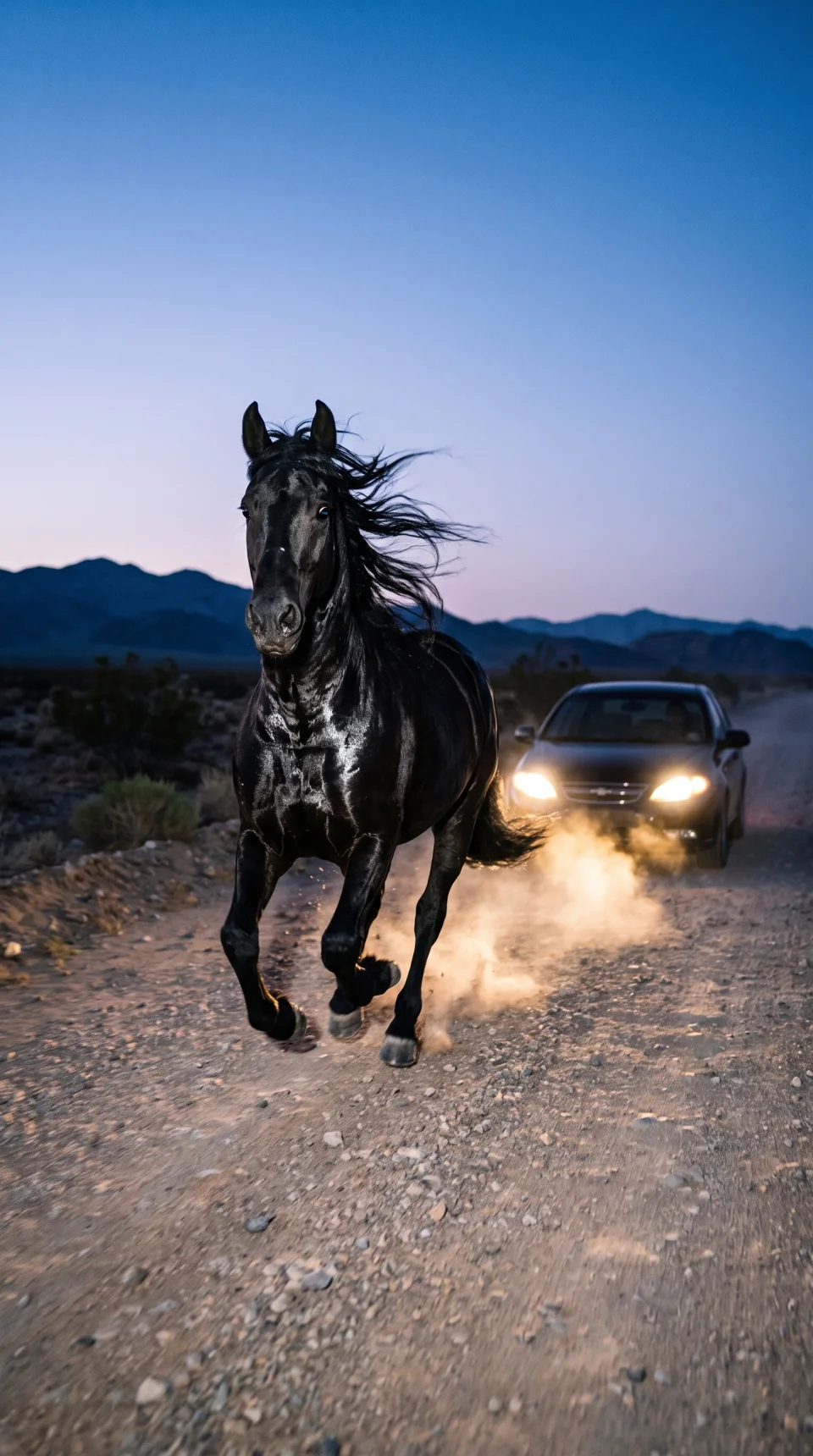
Created with PromptX
PromptX × MCP
Generate images and videos without leaving your AI agent. See the cost first and receive the finished result in the conversation.
Connect
Choose your AI agent, copy the connection details, and sign in to PromptX.
https://mcp.promptx.uz/mcpUse the PromptX connection shown above.
Open Claude connectors and paste the address.
Choose your PromptX workspace and start creating.
Workflow
Describe the task. Your agent sends it to PromptX and returns the finished image or video.
Tell your agent what image or video you want.
PromptX shows the model and exact cost before generation.
The finished file appears in the conversation with your agent.
Capabilities
Create media, add references, and control the cost directly from the conversation.
Create images from a description or a reference.
Turn an idea or a source frame into a short video.
Use your images and videos as visual references.
See the exact cost before you confirm generation.
FAQ
Quick answers about setup, cost, and finished files.
It lets your AI agent create images and videos with PromptX without switching services.
PromptX currently provides guided setup for Claude and Codex, including ChatGPT desktop.
PromptX shows the exact cost before generation. Your balance is charged only after you start it.
Files stay in your PromptX account and are also returned to your AI agent.
Ready to connect
Copy the connection, sign in, and create your first image or video inside your AI agent.